Manage Defender threat data retention in KACE Cloud
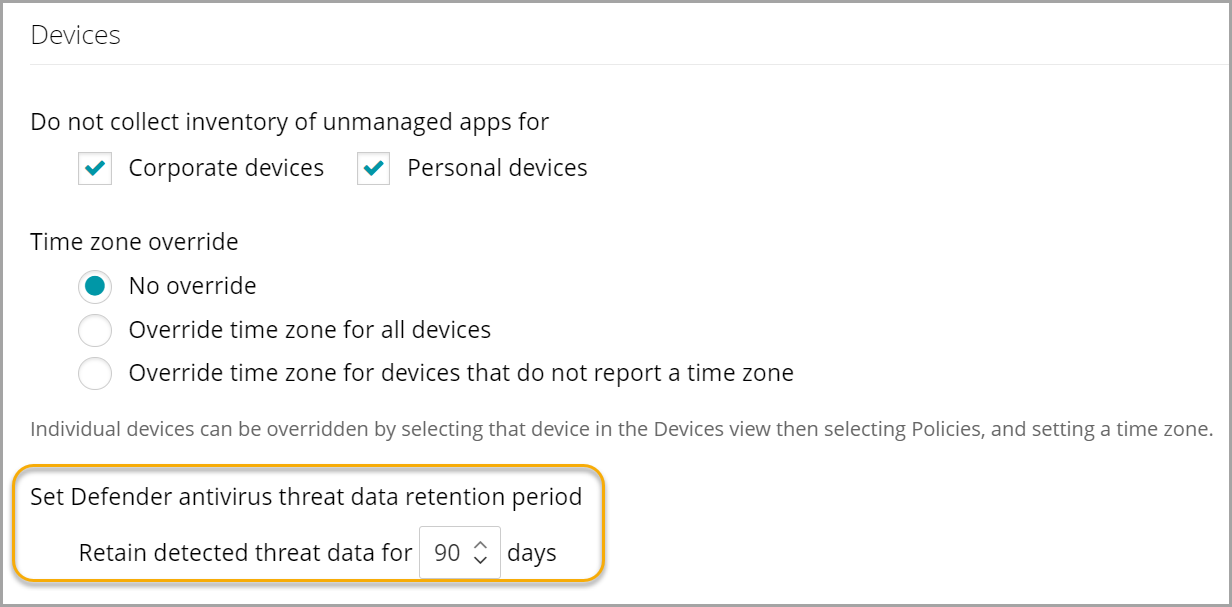
By default, KACE Cloud maintains the Microsoft Defender Antivirus threat data for 90 days in the database. You can change this cap on the KACE Cloud Settings page, as needed.
To change the cap for retaining the Defender Antivirus threat data in KACE Cloud:
- Go to Settings in top navigation.
- In the left panel, choose KACE Cloud > Settings.
- On the Settings page, In the Devices view, under Set Defender antivirus threat data retention period, change the number of days after which the threat data is deleted from the database, as required.
- Click Save.
For more information about this page, see Explore KACE Cloud Settings.